 Client project · 2026 · Sydney
Blk Curate Collective
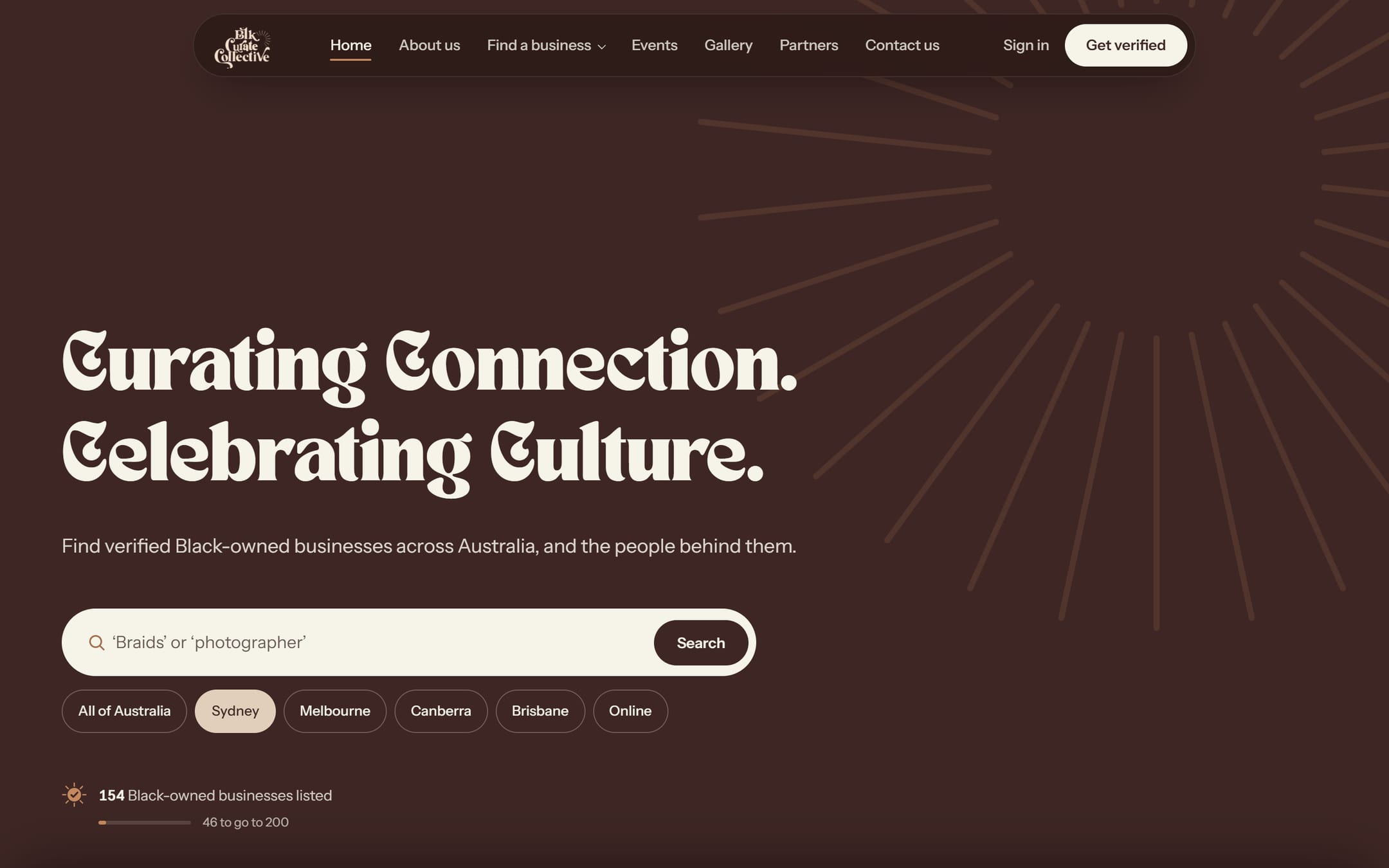
Curating Connection. Celebrating Culture.
BCC helps people find Black-owned businesses in Australia. We built its new website from the ground up: a directory you can search, a simple way for businesses to join and pay, and a dashboard for members and another for the team. It went live on 7 November 2026.
- Client
- Blk Curate Collective
- Founder
- Aletana Ajulo
- Live
- 7 November 2026
- Built with
- Next.js · Supabase · Stripe
 Now
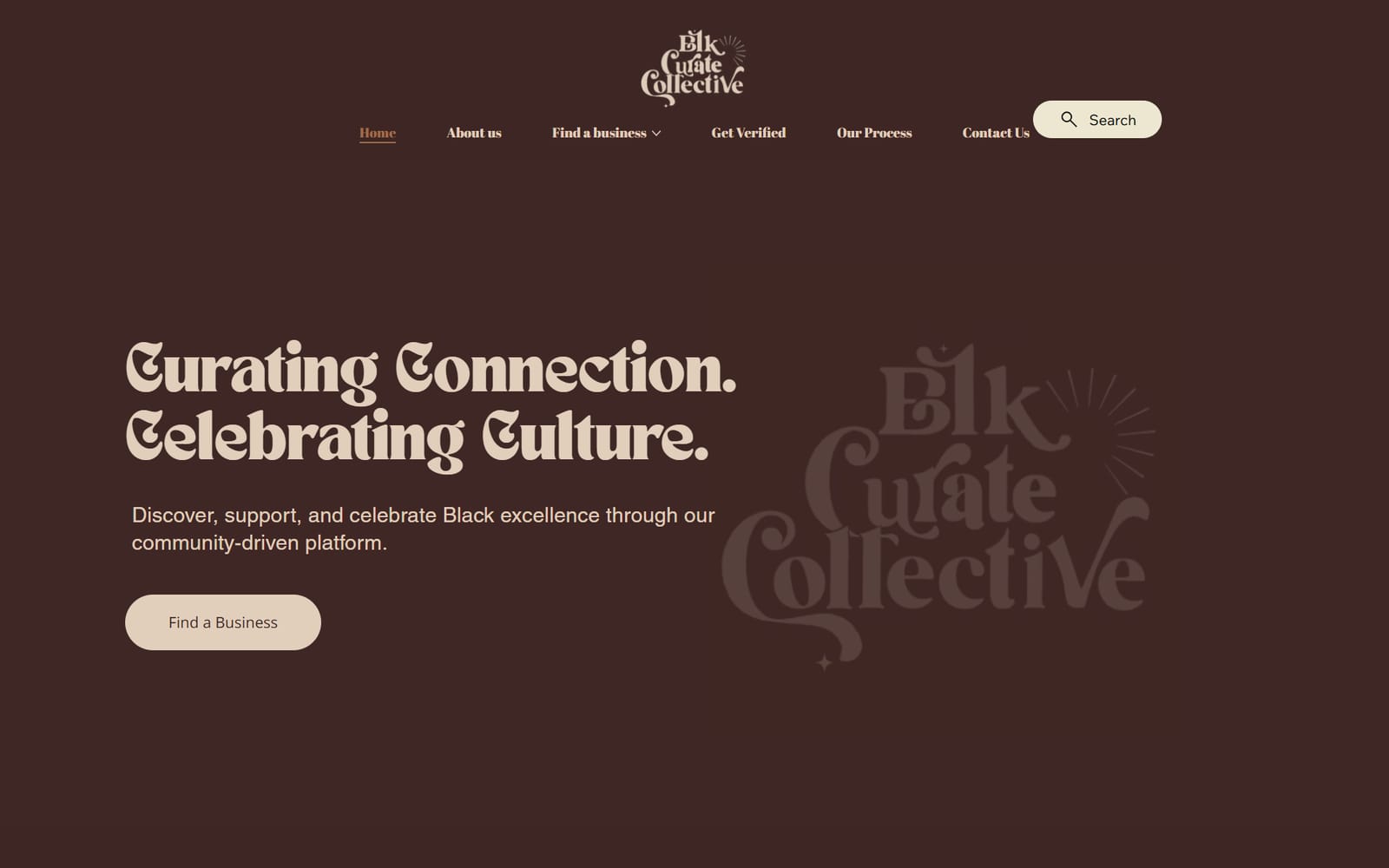
A directory that outgrew its website
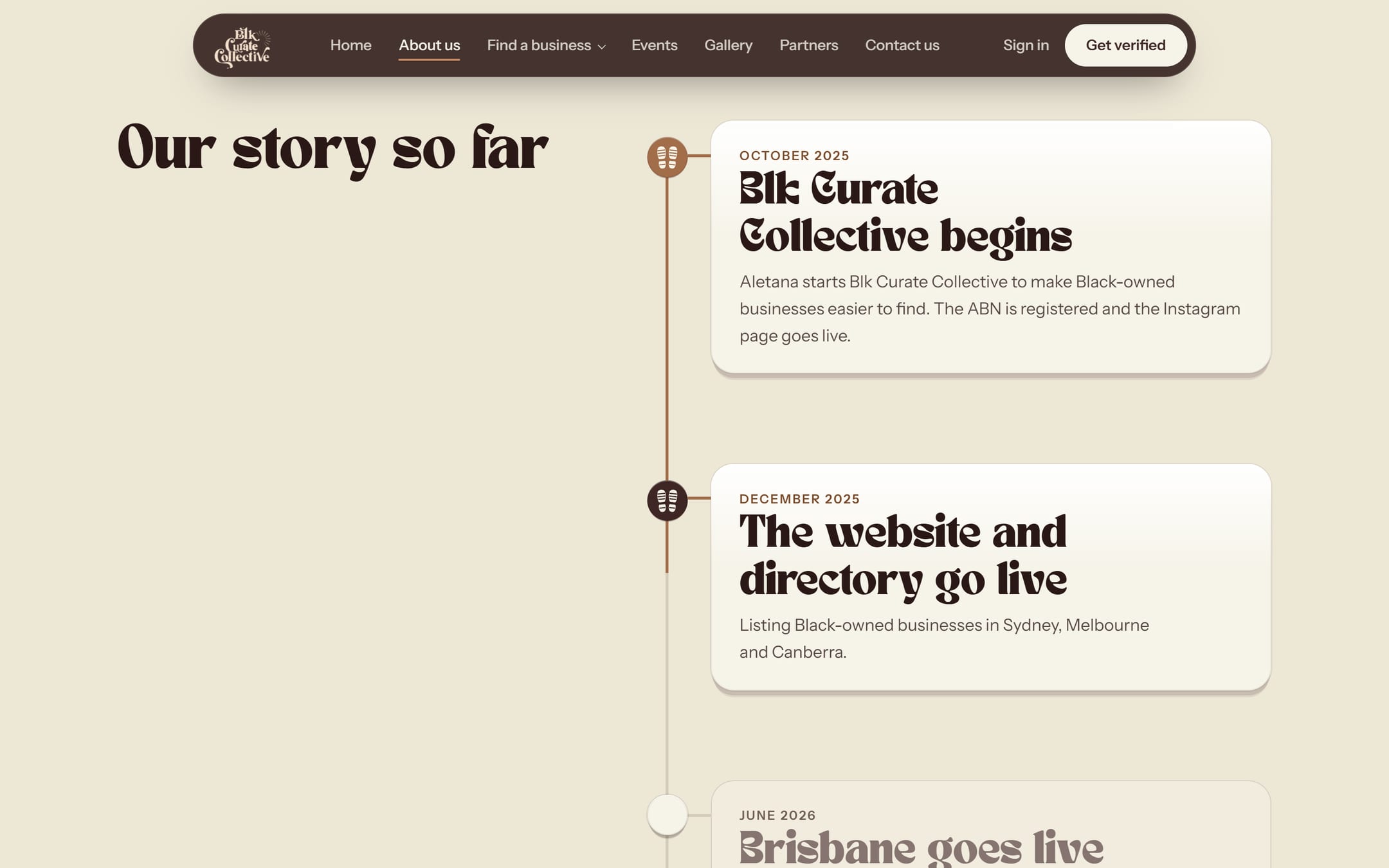
“After relocating from Canberra to Sydney, I struggled to find culturally relevant services, like hair braiders and African food stores, even though I knew these businesses existed. I also kept hearing the same question from African entrepreneurs: ‘How did you find my business?’ That made me recognise a much bigger issue — Black-owned businesses have a visibility problem.”
So she started BCC in October 2025, and its first website, built on Wix, went live that December. By July 2026 it listed more than 100 businesses, with new ones arriving every week.
But the website couldn't keep up. Three things held it back.
Typed in by hand
Each new business was typed onto a Wix page by Aletana herself, one at a time. That couldn't last.
Copied city pages
Adelaide, Perth, Hobart and Darwin were copies of the Sydney page, at addresses like /sydneybusinesses-1-1-1. Google read them as duplicates.
No page for a business
A business was just a row on a city page. Nothing for Google to find, nothing for the owner to share.
 Before
One website, six jobs
Here's what the new site does, in plain words. Tap a card to jump to it.
Find a Black-owned business in seconds
Search by name, by what you need, or by city. Every city and every category has its own page, with real counts. And every business finally has a page of its own: its story, photos, links, opening hours, and a box that says BCC has checked it.
- Search that gets you. Type “abefe” and you still find “ÀBÈFÉ”. It shrugs off accents and small typos, and “photographer” finds photography businesses too.
- It remembers your city. Pick it once and the site keeps it in mind.
- Cities on the way. Places that aren't open yet show a waitlist sign-up instead of an empty page.
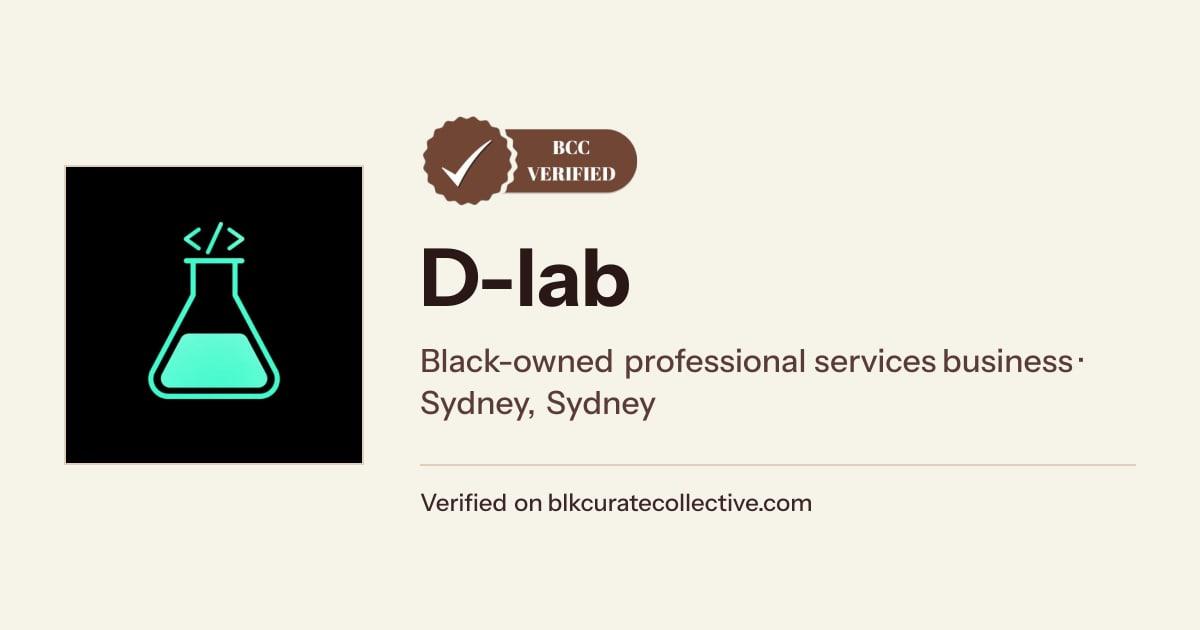
- Made to be found. Each business page has its own title and share picture, so it can show up on Google and look good when someone shares it.
- 154 businesses at launch
- Sydney 58
- Melbourne 37
- Canberra 23
- Brisbane 19
- Online 8
- 10 categories
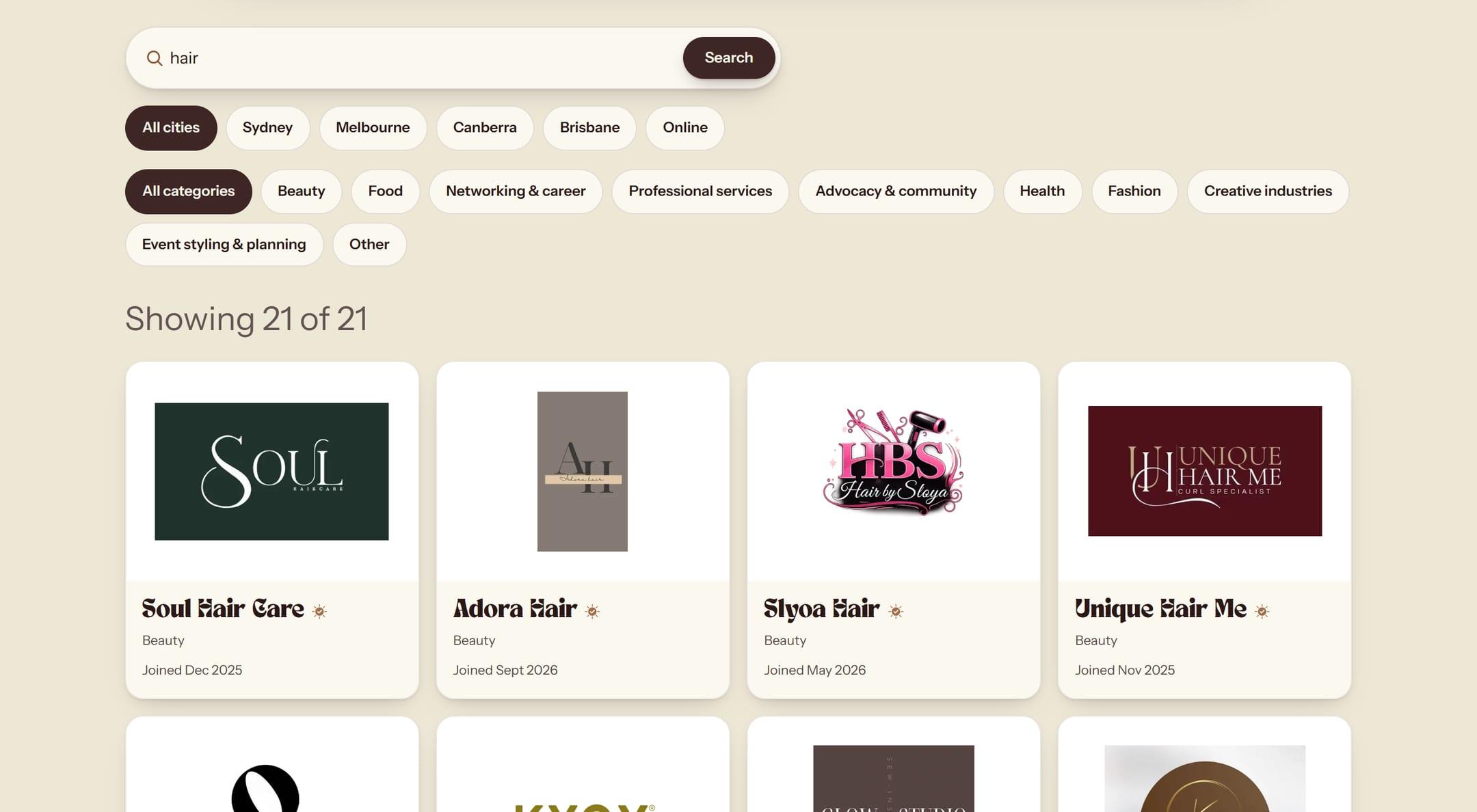

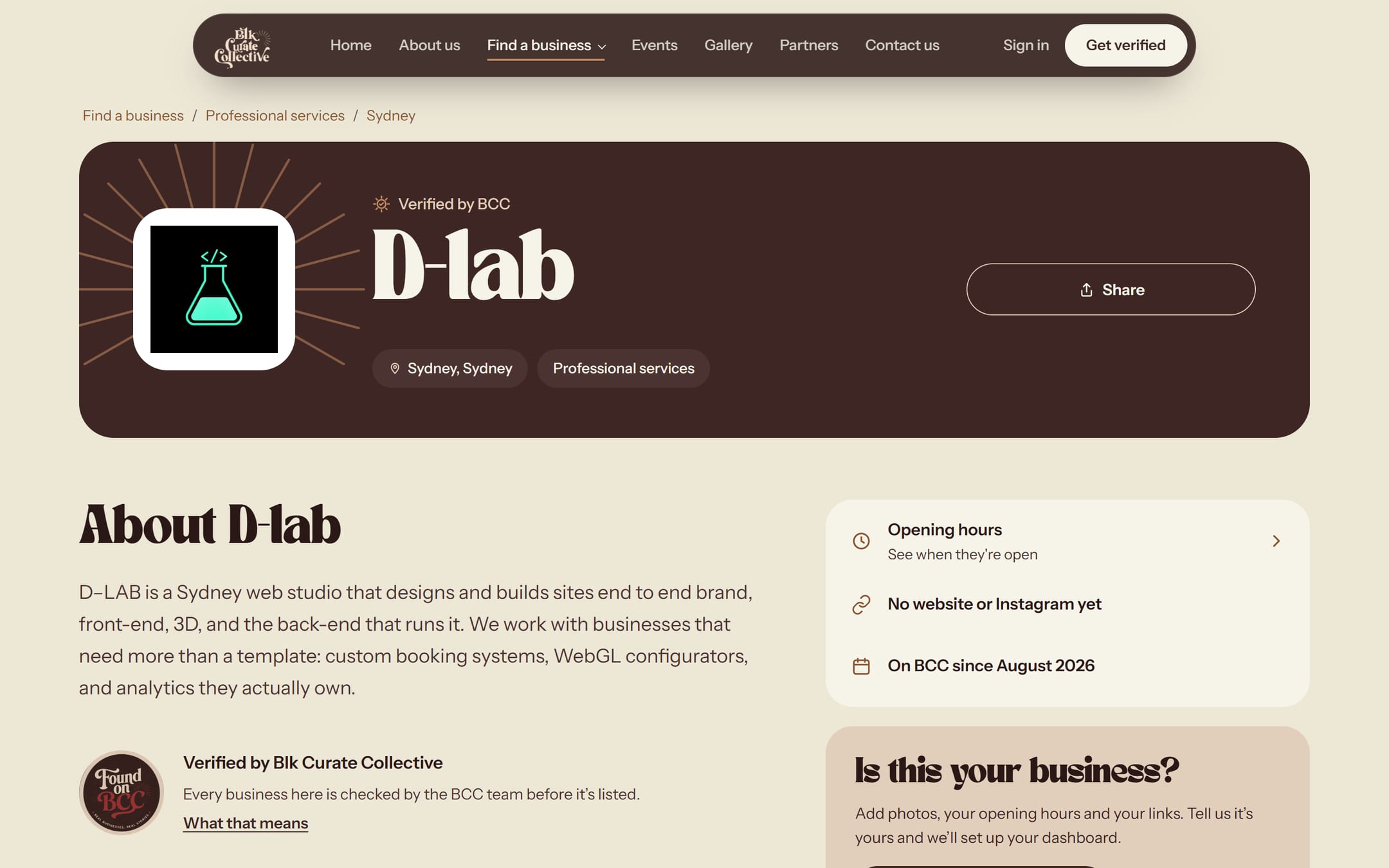
A listing card, rebuilt here the way the directory builds it. D-LAB is listed on BCC too, so this one is ours. Tap it to see our real page.
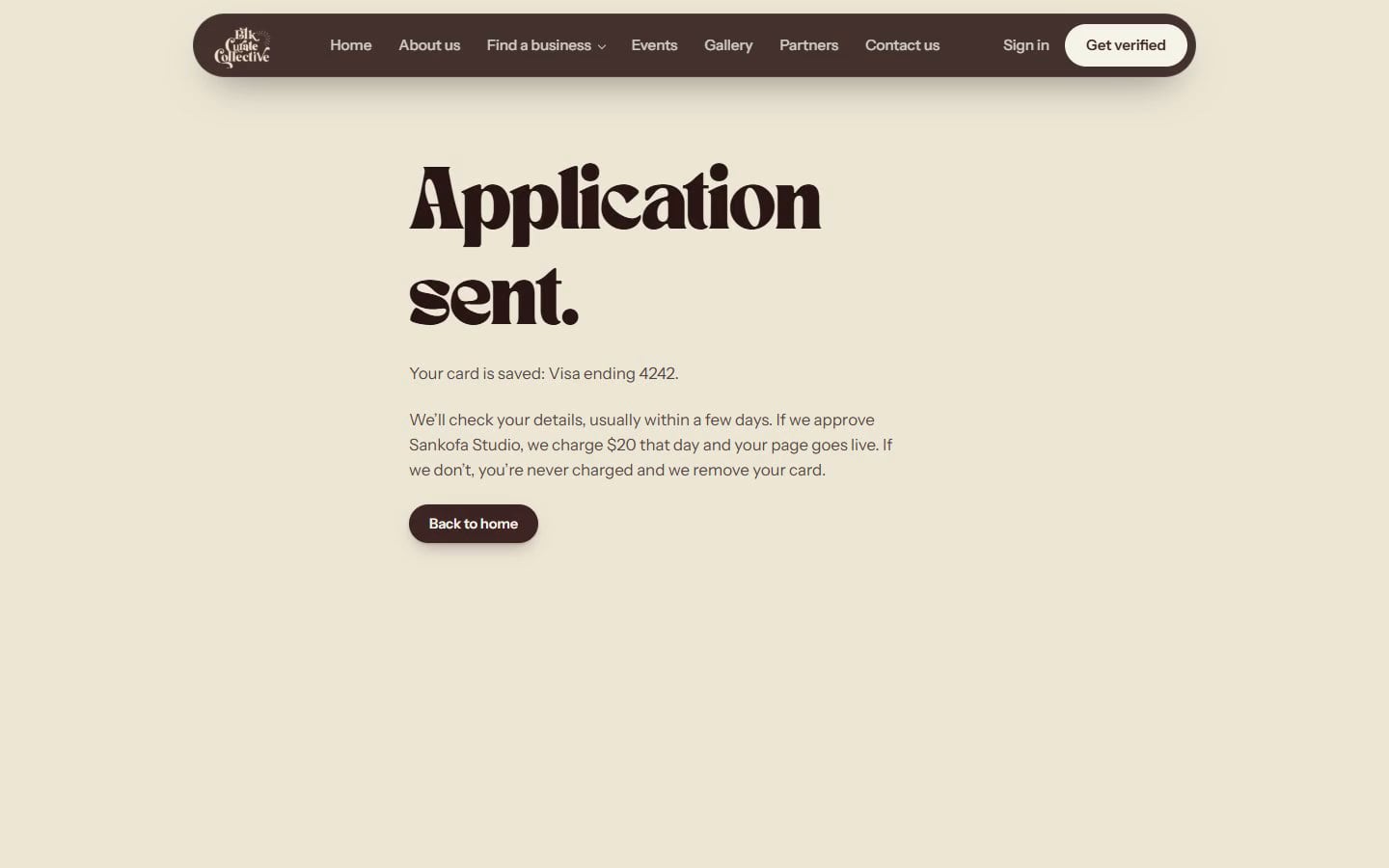
Seven short steps. Pay only when you're approved.
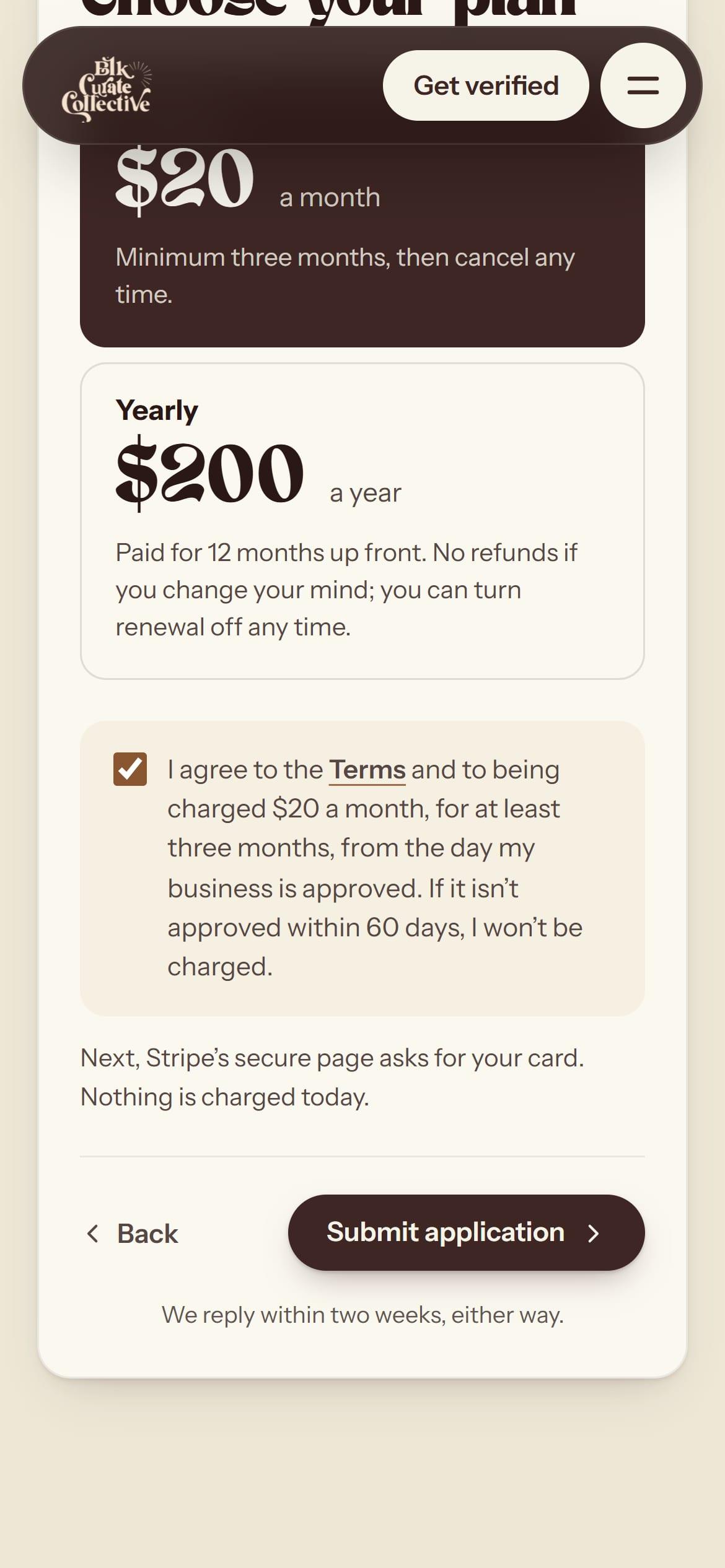
A business can apply from a phone in seven short steps. They cover the business, where it is, its story and logo, a few quick checks, the owner's details, a review and a plan. At the end the owner saves a card with Stripe, but pays nothing yet.
If BCC says yes, the card is charged that day and the page goes live. If BCC says no, or doesn't approve it within 60 days, nothing is charged and the card is removed. If an owner stops halfway, the site keeps their answers. It emails a reminder the next day, and a last one four days after they stopped.
At least three months, or $200 a year.
Half price, or $100 a year. The form checks the charity's number looks right, and BCC looks it up on the charity register before approving.
Behind the scenes, only one approval can ever make the charge, so a double tap, or two people approving at once, can't charge a card twice.
Paper that crumples
On the home page, three cards explain what members get. As you scroll, each card scrunches into a ball of paper and opens out as the next one.
It's not a cartoon. We ran a physics simulation of a sheet of paper squeezed in one hand: it doesn't stretch, its creases stay creased, and it can't pass through itself. We kept 40 moments of that and packed them into one tiny file, smaller than most photos.
The website plays those moments back with the card's own words and colours printed on the paper, so it matches the page at any screen size.
If a device can't run it, or someone has asked for less motion, the cards just sit in a neat stack instead.
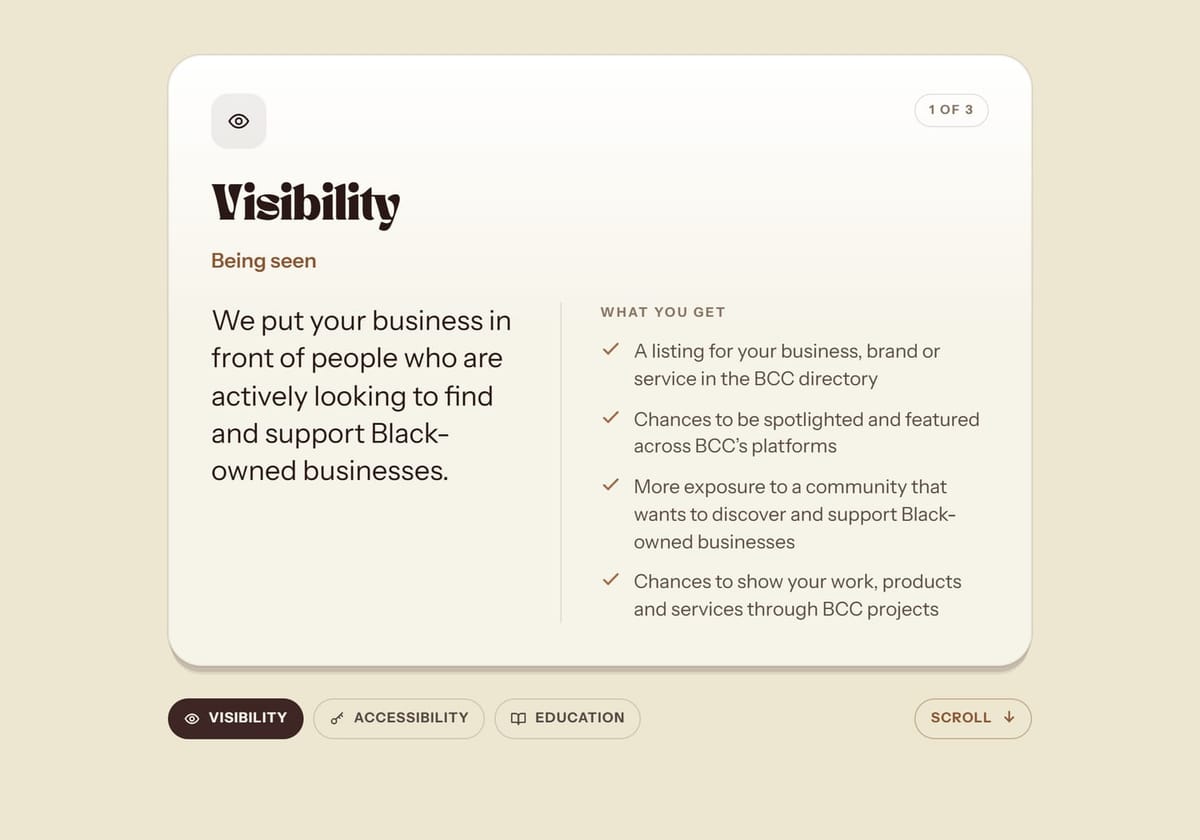
1. The card, flat. 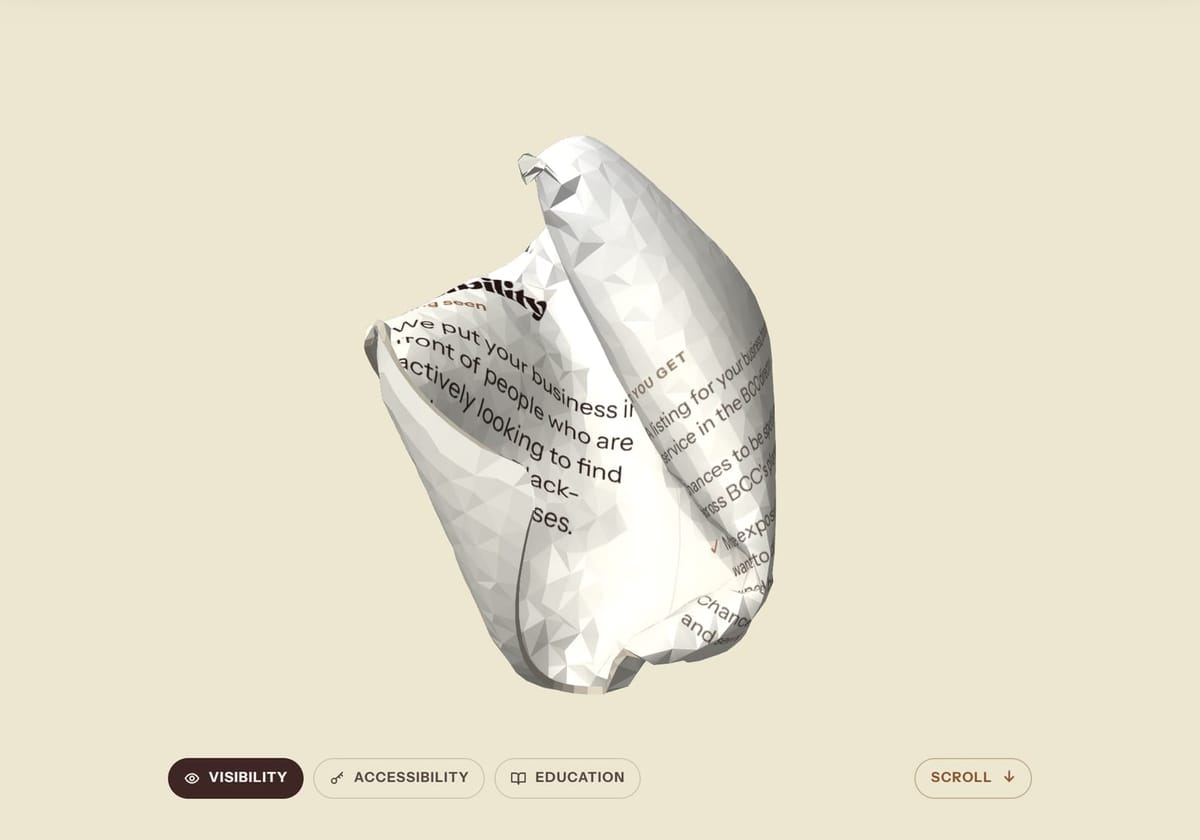
2. Crushed into a ball, words and all. 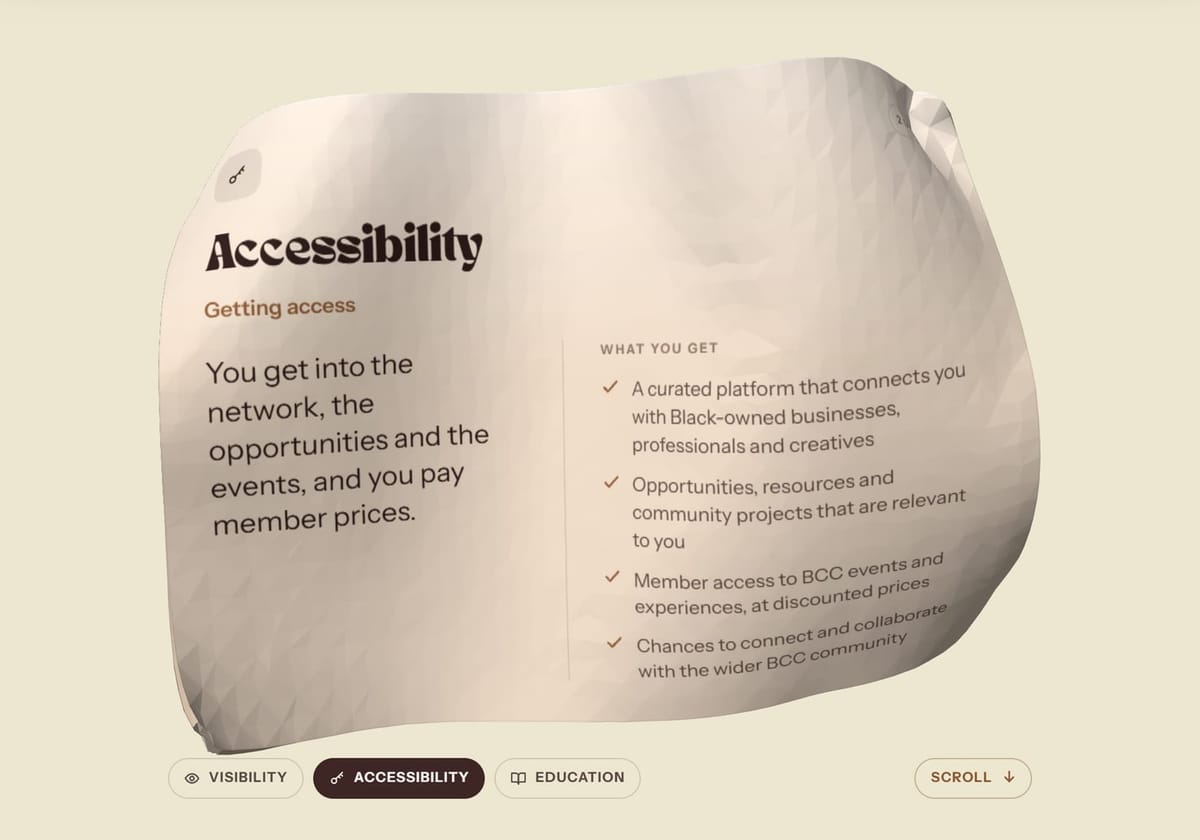
3. The next card opens out of it.
A dashboard for every member
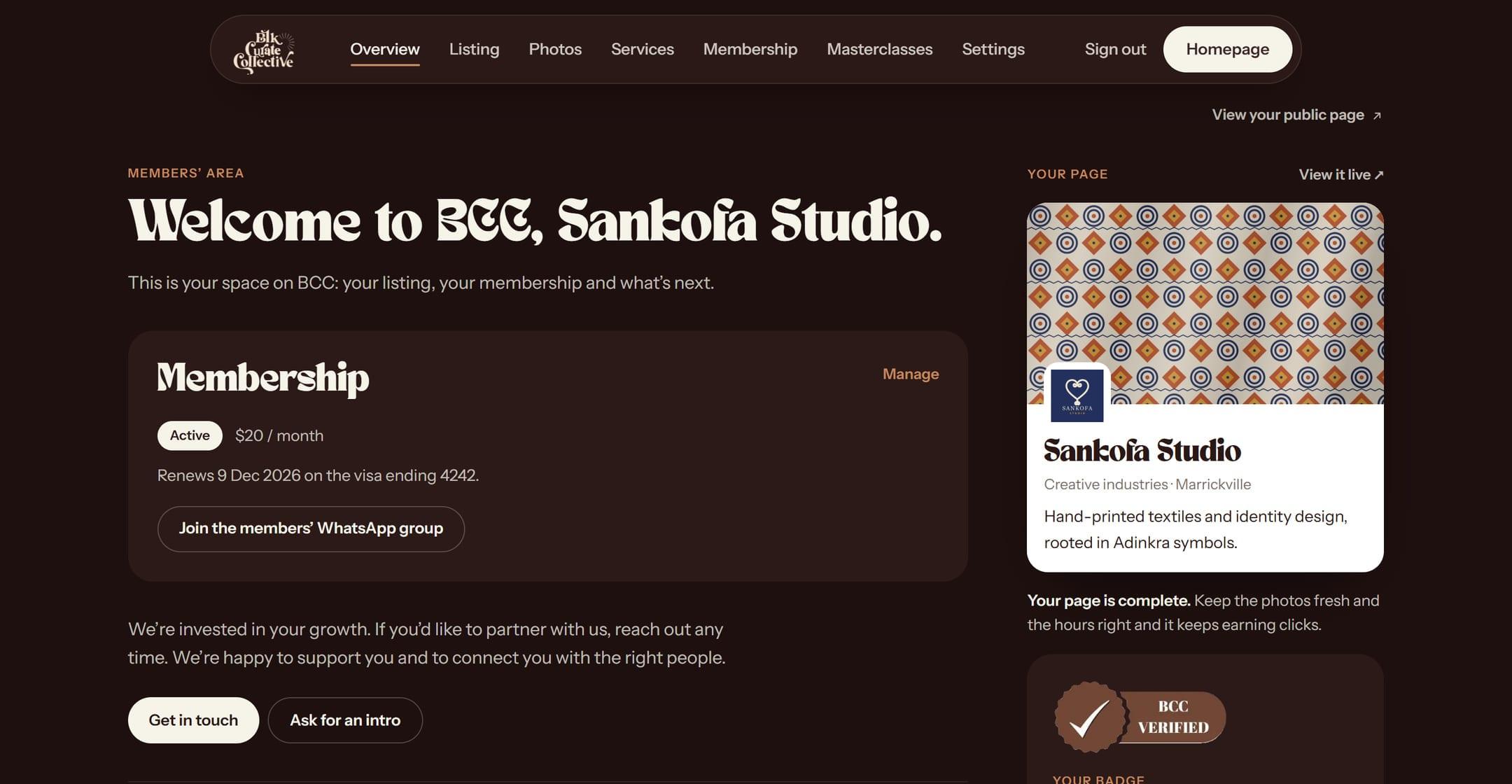
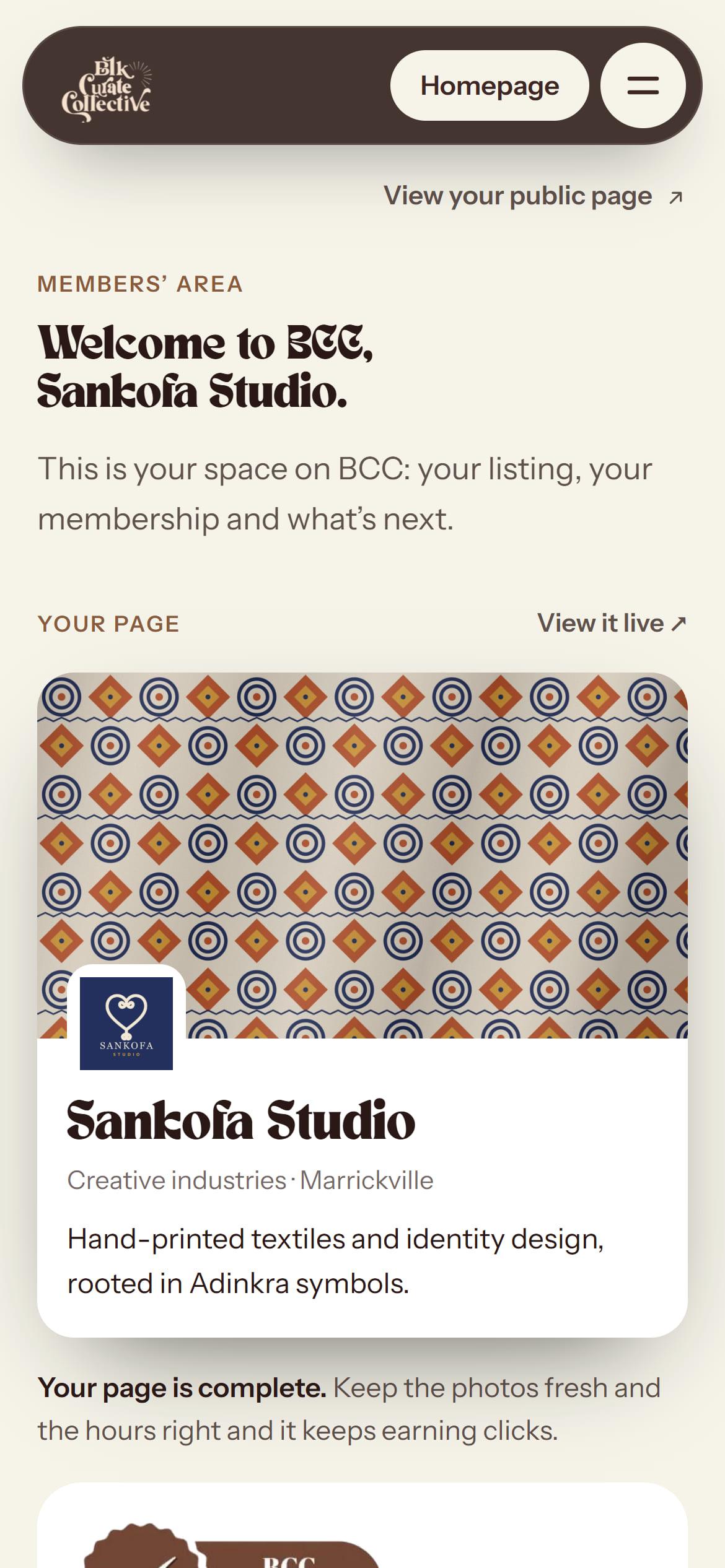
Once a business is approved, the owner gets their own space. There they can edit their page and add a logo, a cover photo and up to twelve photos. They can also set their services and opening hours, look after their membership and card, save a seat at a masterclass, and switch between light and dark mode.
- A real welcome. The first time they open it, a letter types itself out and the Found on BCC badge is pressed onto it.
- A clear checklist. It says, in plain words, what is keeping their page off Google.
- A badge for their own site. They can download the BCC Verified badge, or copy a code that shows it on their website, linked back to their BCC page.
BCC runs from a phone
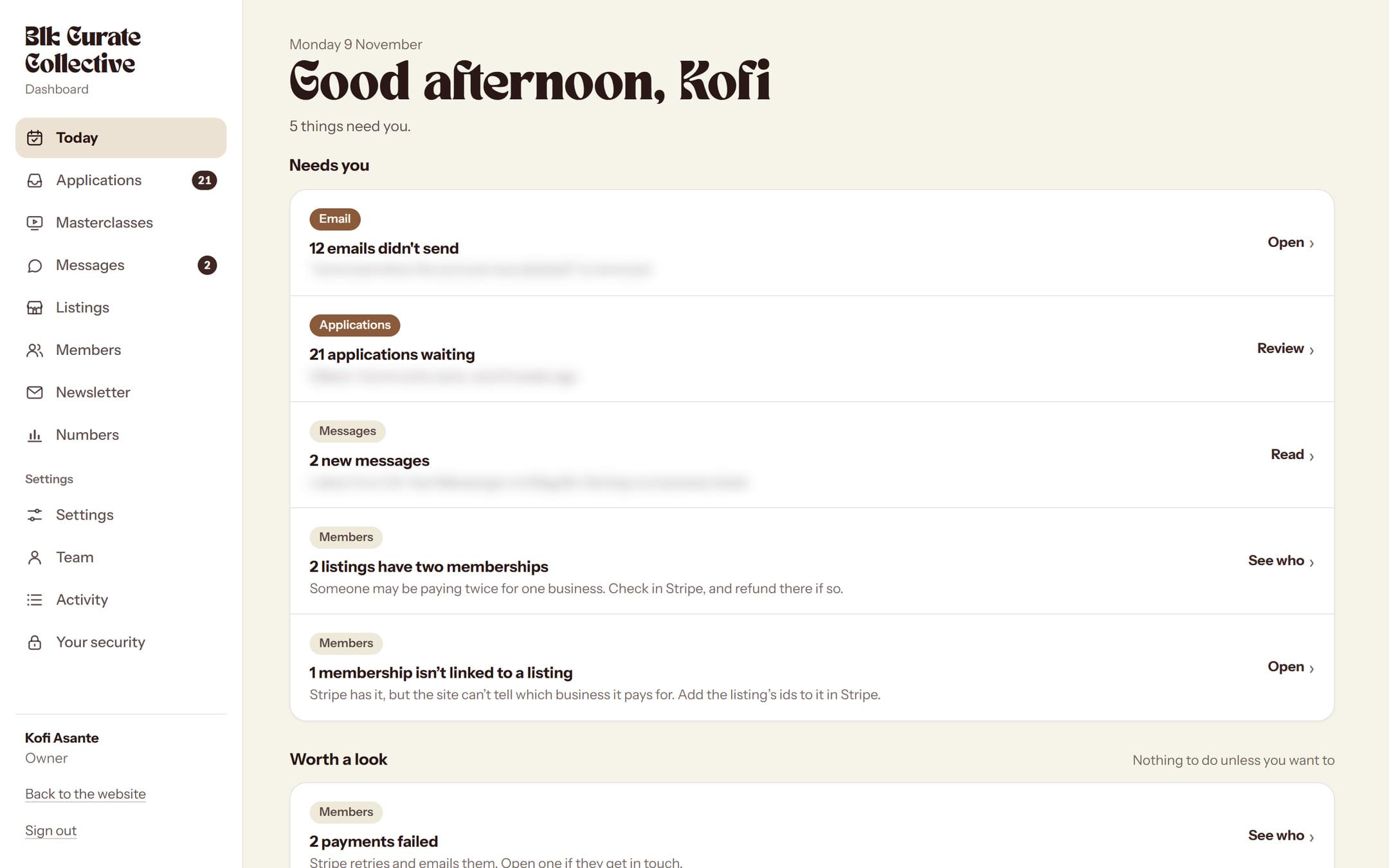
Aletana and her team have their own dashboard, designed for phones. It opens on what needs doing today, with the most urgent at the top.
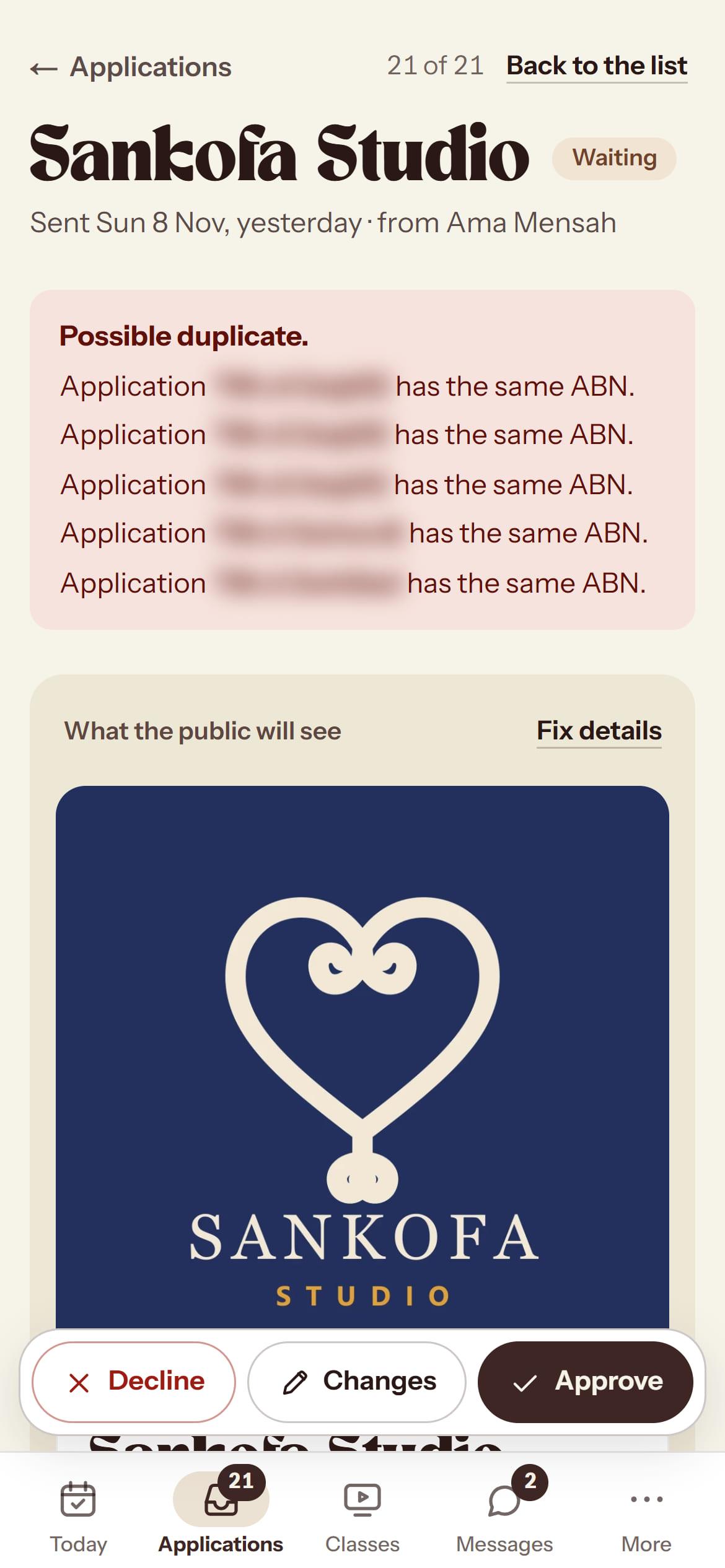
They read each application with its logo, plan and saved card. Then they choose: approve it (which charges the card), ask for changes, or say no and give a reason. The right email goes out by itself.
- Listings: publish, feature, pause or edit any listing.
- Members: every membership, one row per business, with its dates.
- Masterclasses: dates, seats and recordings.
- Numbers: a growth chart, milestones, and how applications are moving.
- Team: invite helpers as a reviewer, an admin or an owner.
A code from her phone
Every admin page needs a 6-digit code from an app on her phone. Big actions need a fresh one.
Hidden until tapped
Phone numbers and addresses stay hidden until someone taps Show, and every tap is written down.
A log nobody can edit
Every change goes into an activity log that nobody can edit or delete, the owner included.
62 emails, one letter
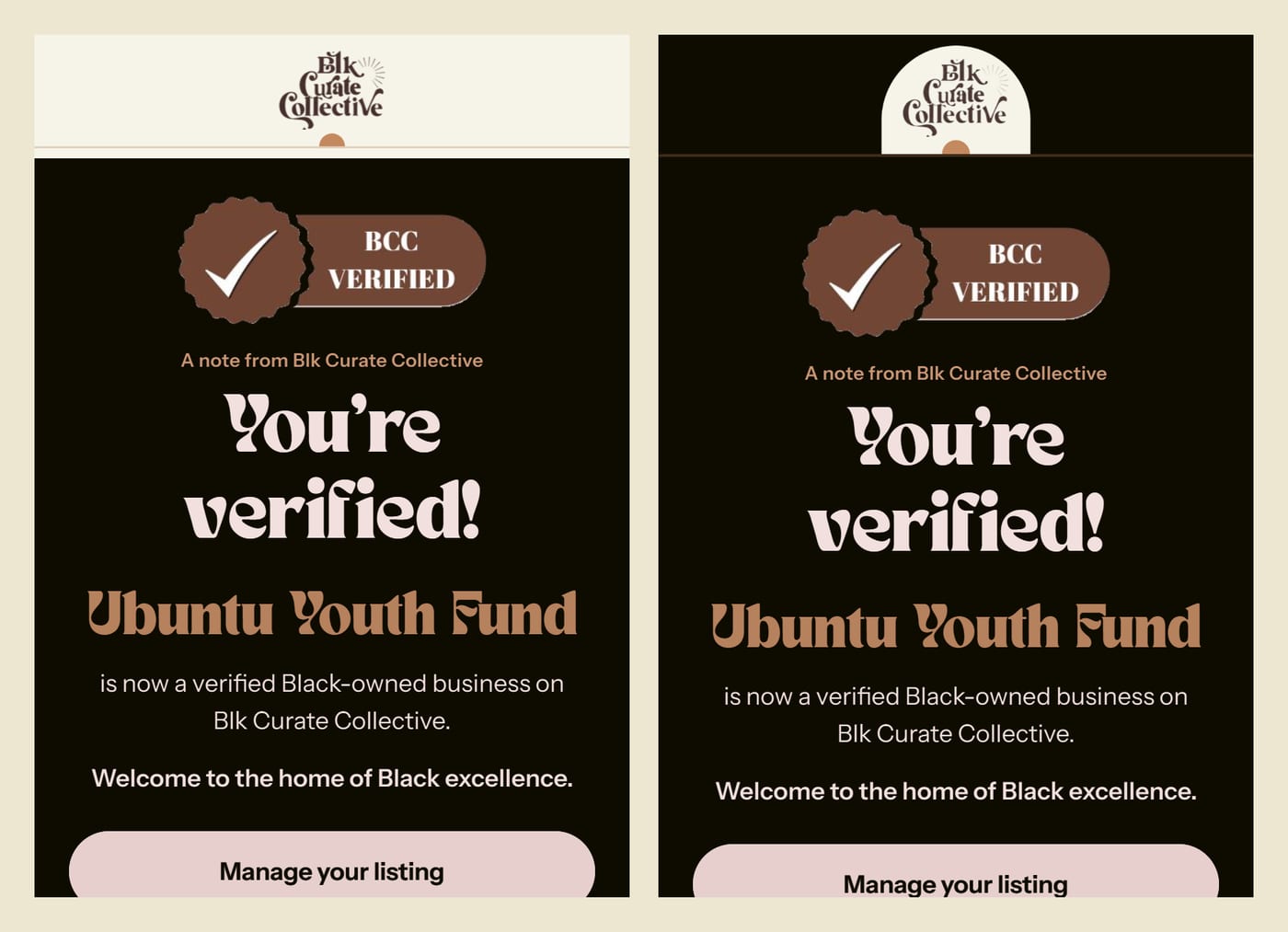
Everything the site sends, from sign-in links to “You're verified!”, looks like a letter from BCC: the letterhead, the BCC Verified badge and a warm sign-off.
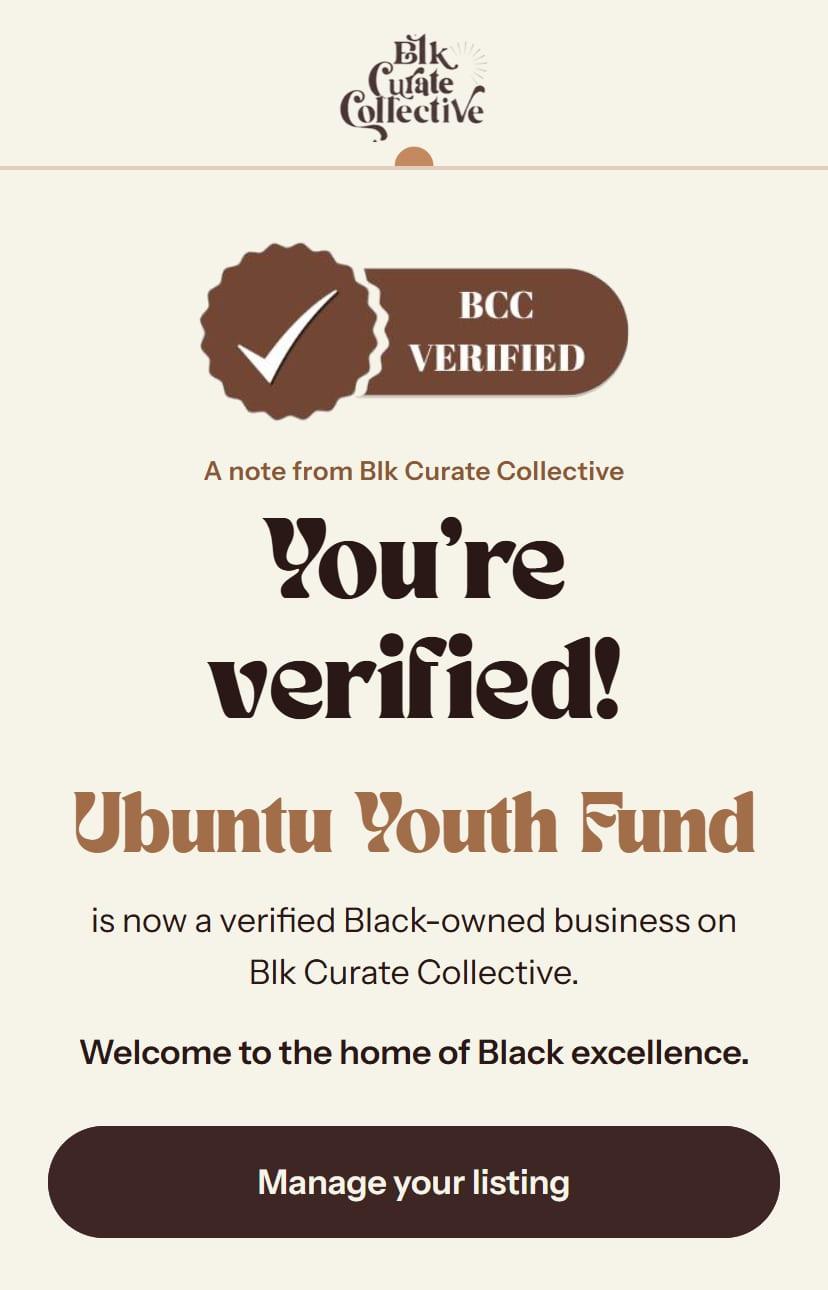
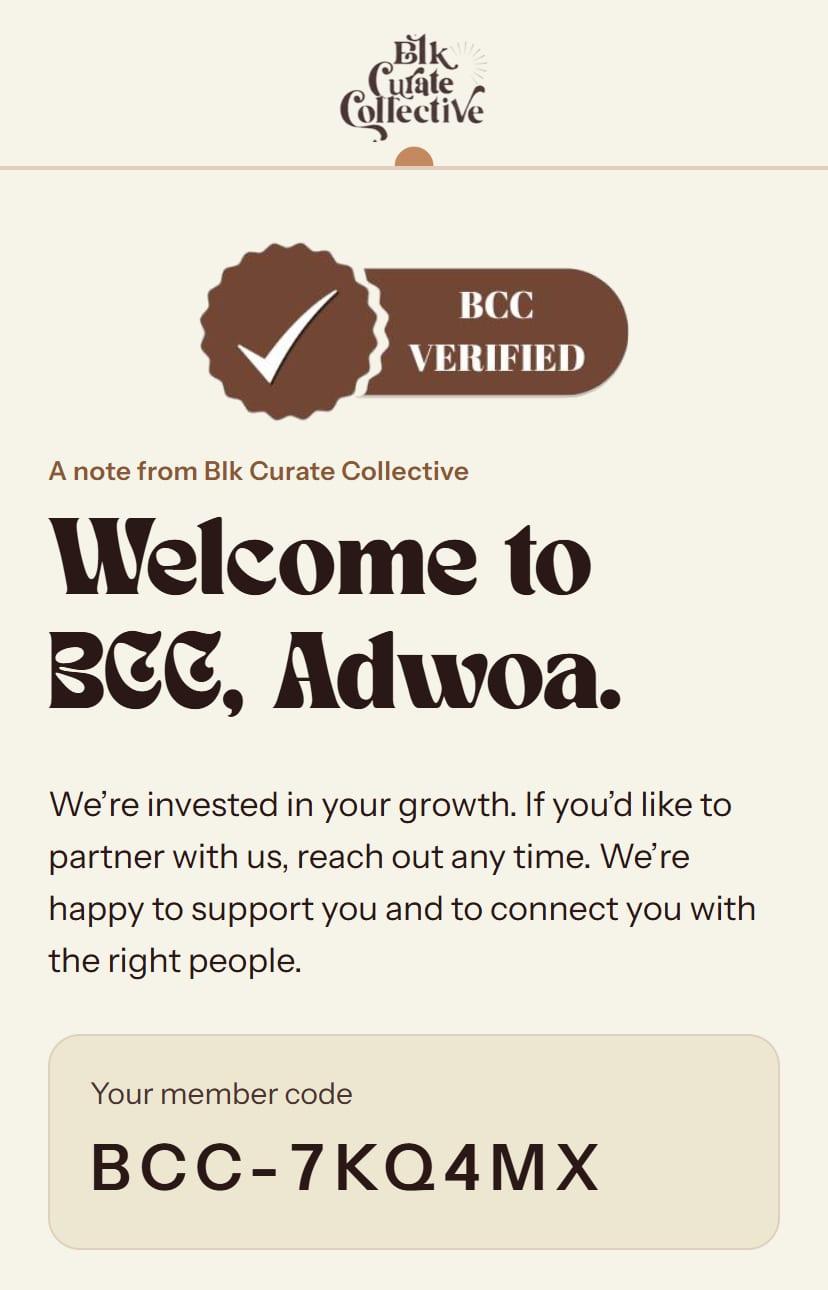
The names and the member code are samples from BCC's email previews.
Dark mode, fixed
Gmail on an iPhone turns emails dark by itself, but it never changes pictures. The old letterhead had cream baked into the picture, so it showed up as a cream strip across a dark email.
We redrew it so everything except the arch is see-through. Now it looks right either way.

Every event, every partner
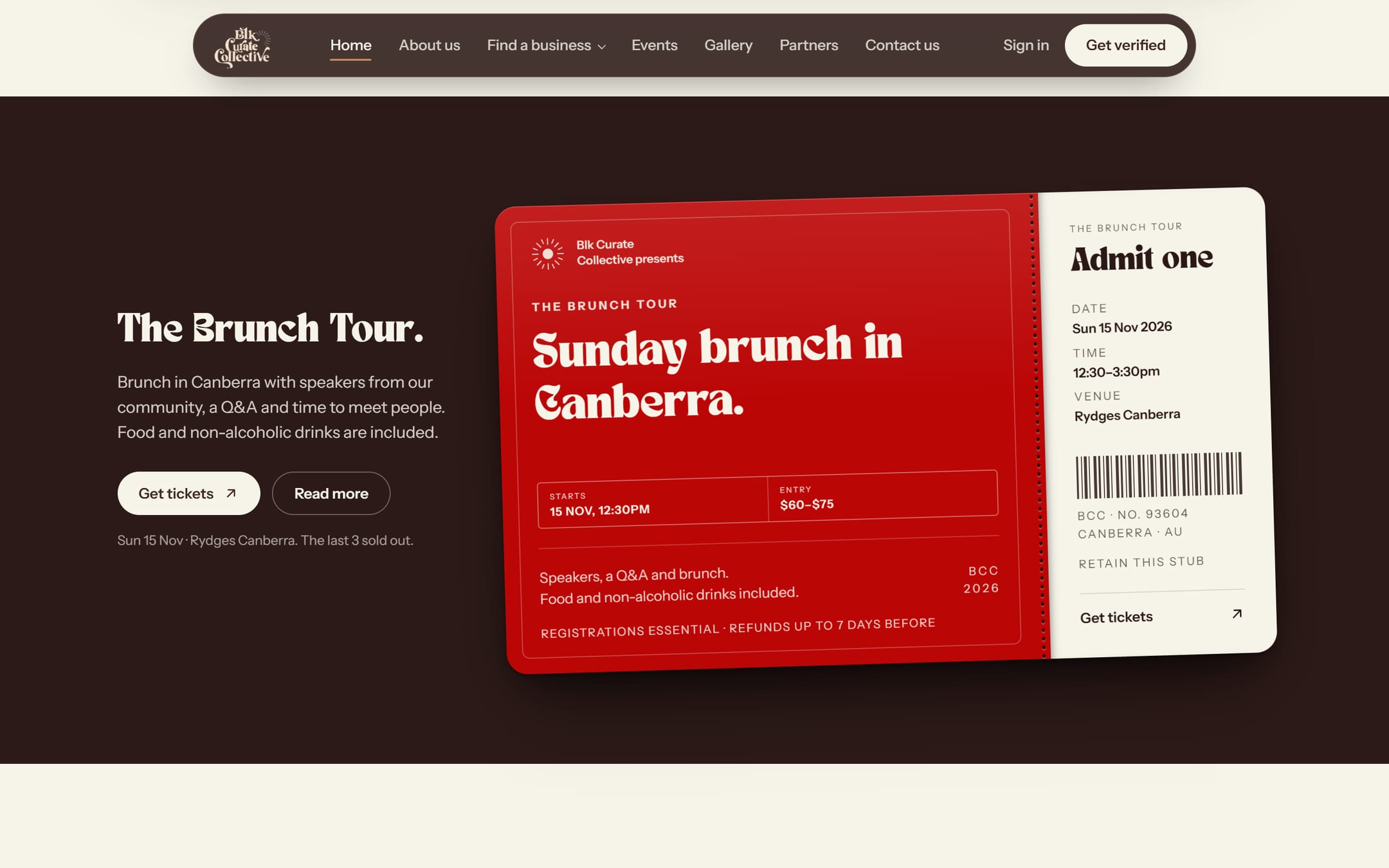
Each event has its own page with the poster, the details and a ticket link. When the photos from the day come in, they go up too, and the gallery names the photographer of every one. The next event sits on the home page as a printed ticket, tear-off stub and all.
On the partners page, every logo is printed on a little 3D ball or block. You can shake them into a pile, pick one up and throw it.
- 4 events before launch, all sold out
- 262 photos, 29 clips
- 16 partners
Built to be hard to fool
- Nobody signs themselves up. Accounts only come from BCC's own invitation. That stops a stranger making an account with an owner's email before the owner does.
- Members can't verify themselves. The database simply won't let them.
- Photo locations are wiped. Phones hide where a photo was taken inside the file. The site removes it before upload, and a test checks it with a picture tagged with the Sydney Opera House's location.
- A trap for bots on every form. Bots get a polite thank-you, and nothing is saved.
- Sign-in links wait for a tap, so email scanners can't use them up first.
Moving house without losing the address
On 7 November 2026, blkcuratecollective.com stopped showing the old Wix site and started showing the new one. The old Wix addresses we knew of now forward to the closest new page, so old links and bookmarks still work.
Only the real address shows up on Google; the test copies stay hidden. New listings are sent straight to Bing and other search engines the moment they go up.
Tested like it matters
Before launch, a robot clicked through each main journey in a real browser: applying, approving, signing in, editing a listing and uploading a photo. It even opened a sign-in link the way an email scanner would, to check the owner's link still worked afterwards. Payments were tested by hand with Stripe's test cards.
- Built over
- 9 weeks
- Changes shipped
- 201
- Database updates
- 57
- Designed emails
- 62
- Database checks
- 219
- Old Wix addresses forwarded
- 46
Blk Curate Collective, founded by Aletana Ajulo in 2025. Every business on it is checked by a person.
TAN Nimbus by TanType, and Instrument Sans. The same two fonts as BCC's own site.
Want a site that works this hard?
BCC needed more than a nice-looking website. It needed one that runs the business. If that sounds like yours, tell us what you're working on.